NeuroNut mobile science learning app
Turning mobile sensors into playful science experiments
NeuroNut is an educational mobile application that transformed smartphone sensors into a in-a-pocket interactive laboratory. The product encourages curiosity through hands on digital experiments. It introduces natural sciences, mathematics, computer science, and technologies to kids in a playful way.
The goal was to design a mobile app that "misuses" device sensors to create engaging educational content. Science concepts are explored through playful distortion, interaction, and feedback engaging schoolers to learn from natural science modules.
The primary audience includes educators and children studying natural sciences, with a focus on learning through experimentation rather than passive consumption.
Design Strategy
- Redesign the draft mobile application into a production ready coherent experience
- Translate sensor based experiments into intuitive and playful interactions
- Balance educational clarity with engaging visual expression
- Support exploration through gamified feedback, rewards, and progression systems
Research & Discovery
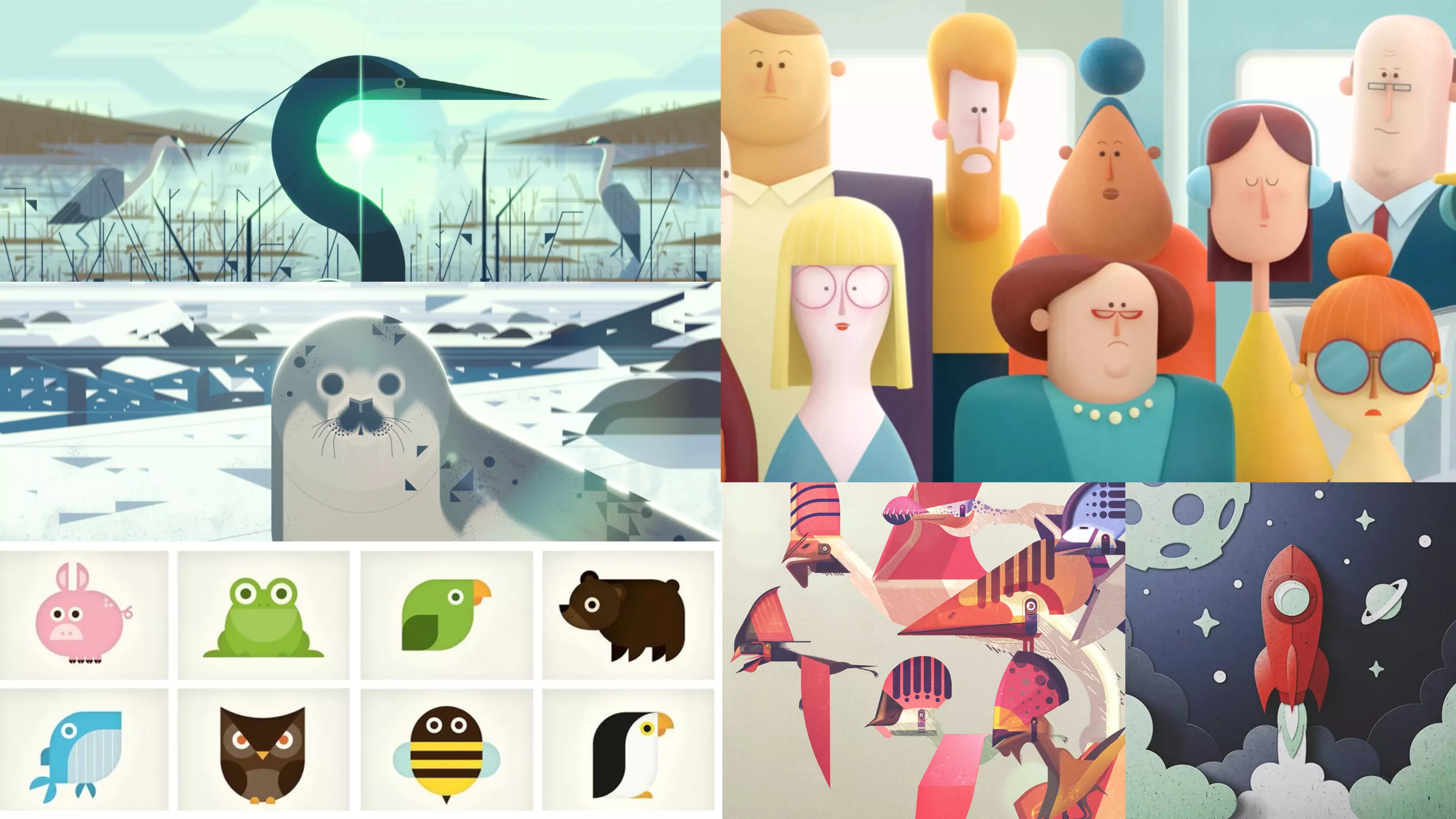
Visual exploration focused on mood boards and stylistic directions that balance playful energy with scientific credibility. Multiple styles were tested to support curiosity without overwhelming young users.
The application logic was built around a list of experiments where children interact with sensor distortions. Each interaction encourages trial, error, and discovery through simple and intuitive mechanics.
Prototyping
The interface layouts were preliminary defined by the founders team. The structure for experiments, challenges, quizzes, and profiles were refined in the process. Screens were designed to guide users naturally from exploration to reflection.
The prototype evolved through iterative cycles, refining interface logic, improving visual clarity, and introducing new experiments while maintaining a consistent learning flow.
Visual Design
Visual candy to engage playful experimentation
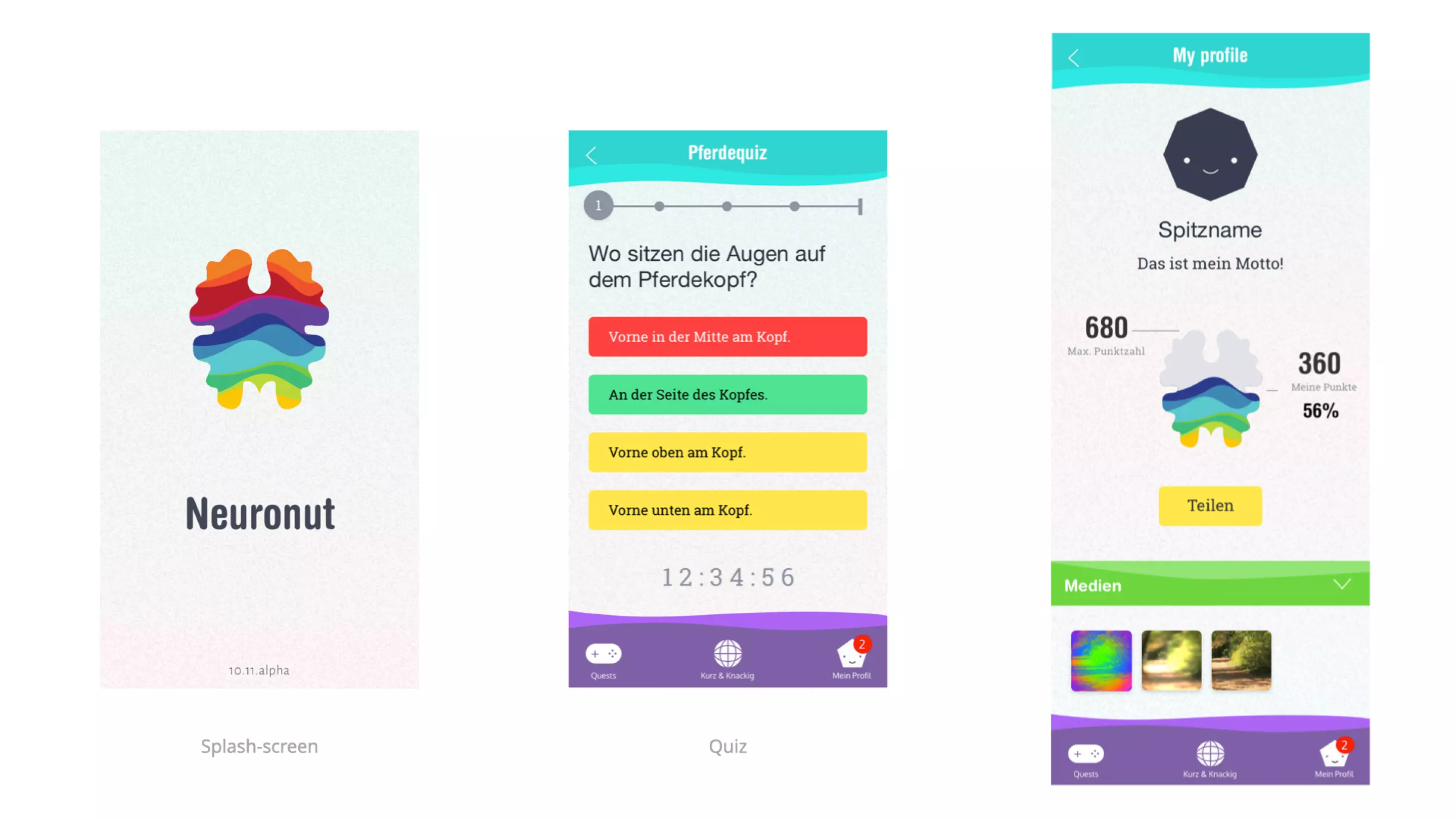
Fantastic leaf playful and vivid exploration
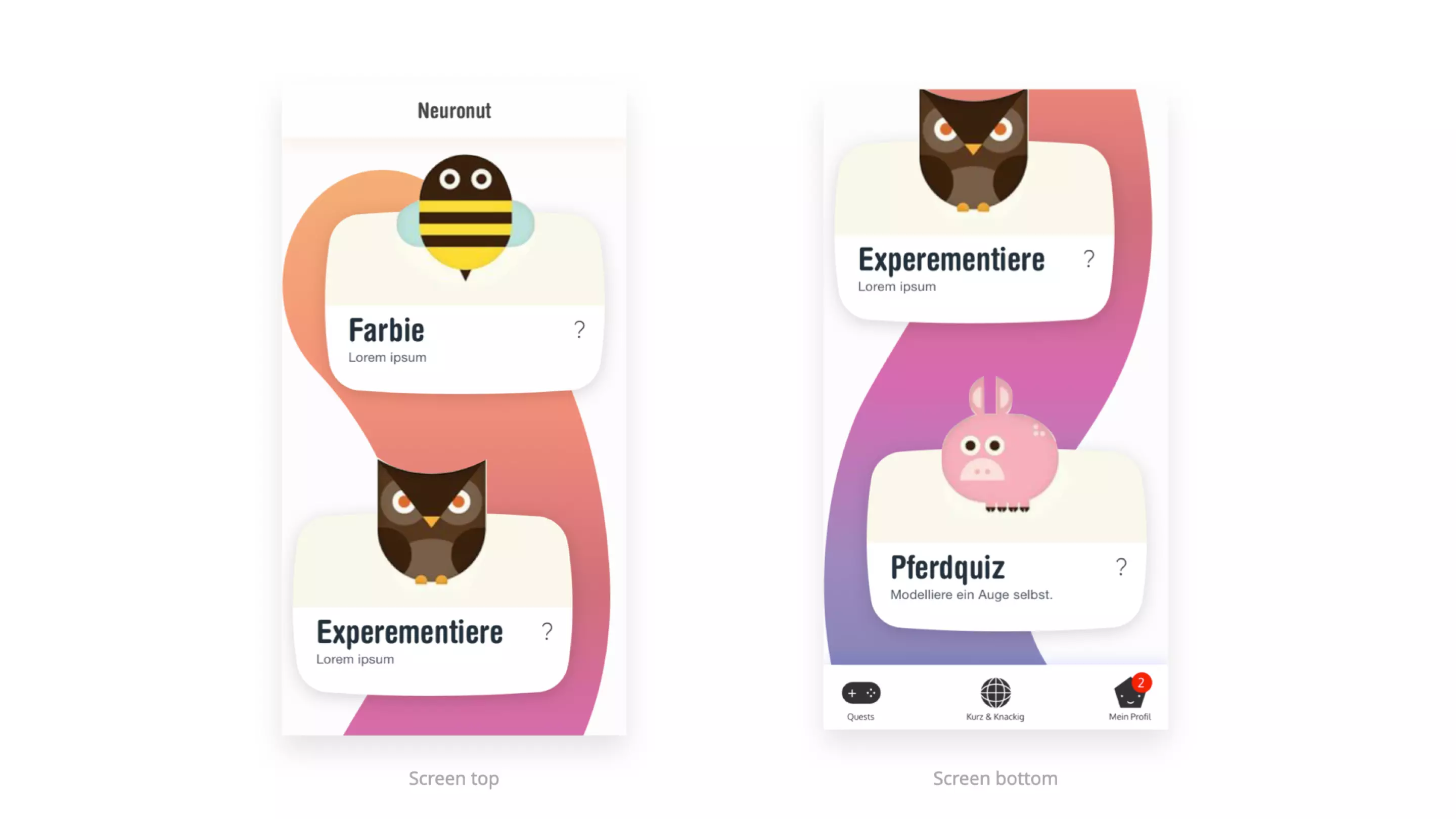
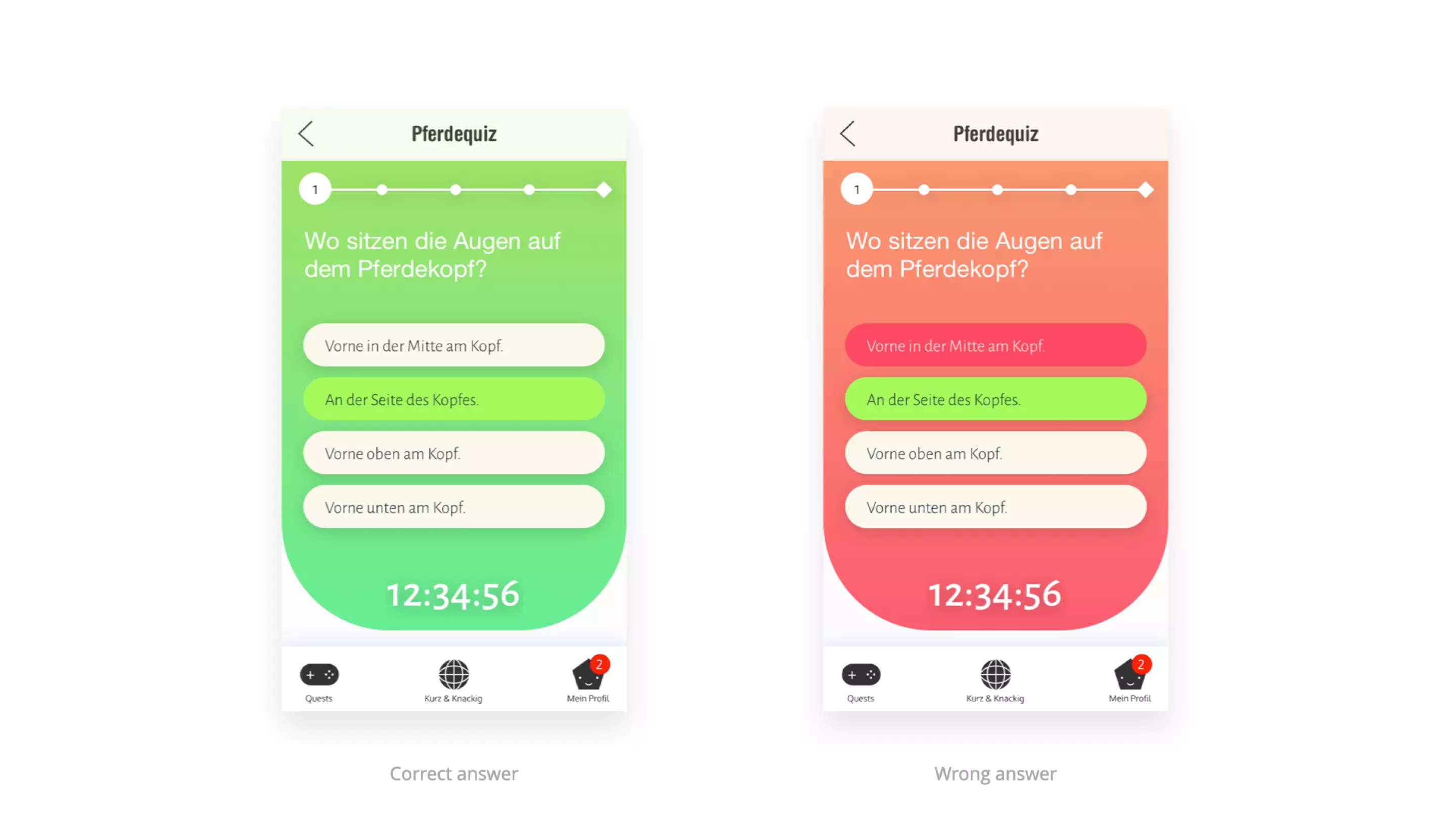
A colorful and expressive direction inspired by fantasy and curiosity. This style uses vivid colors and organic forms to spark imagination and playful discovery.
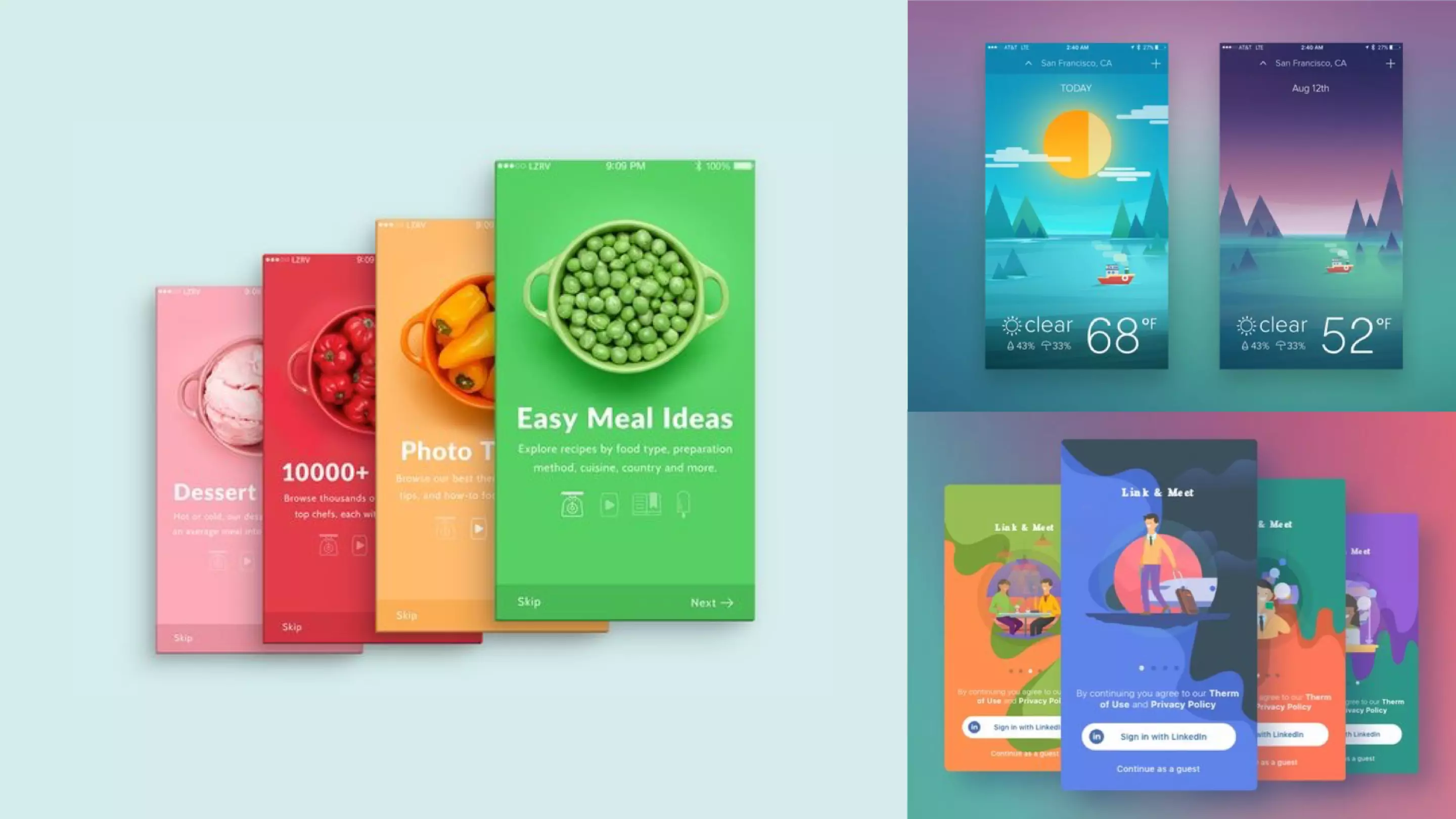
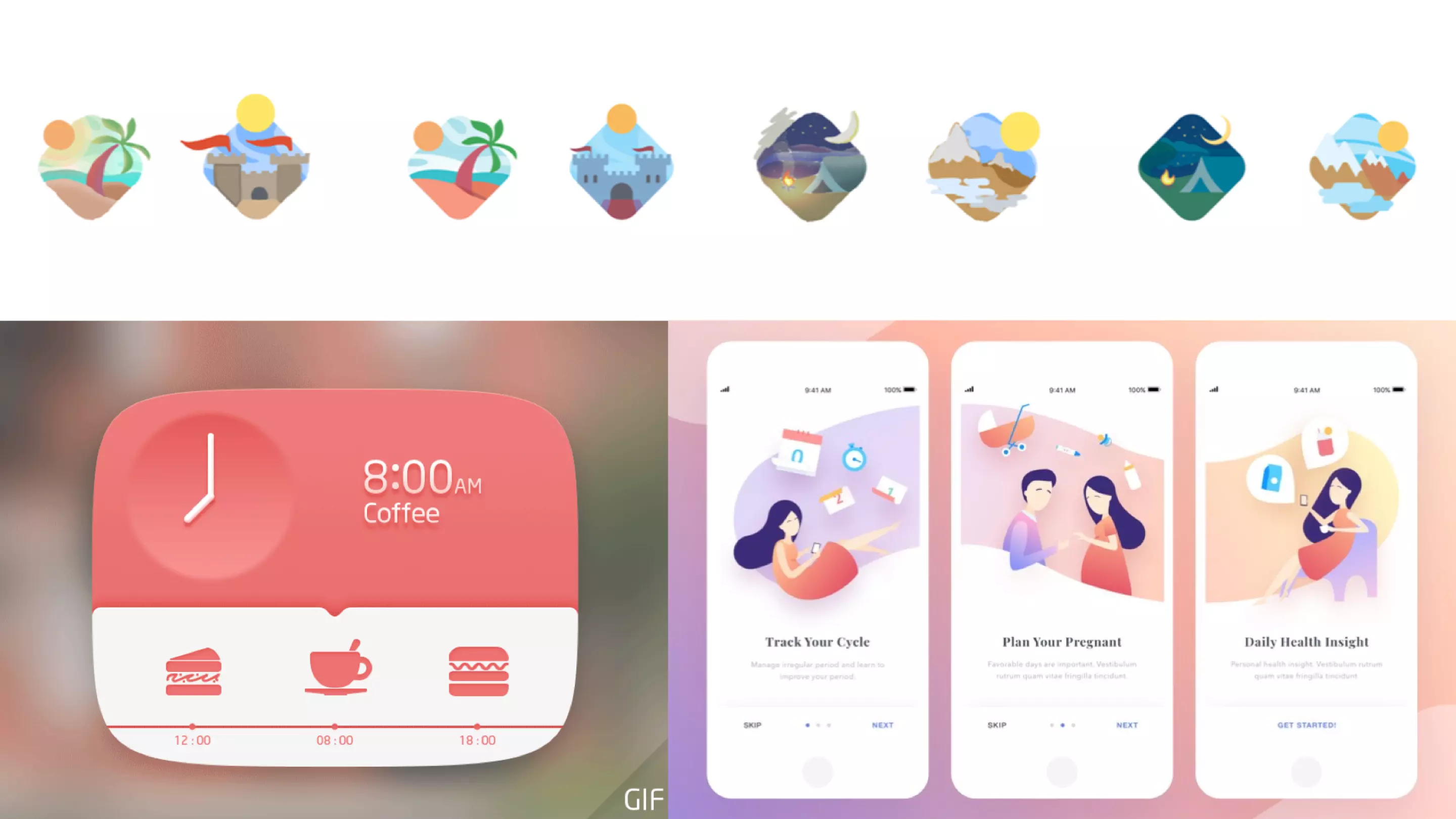
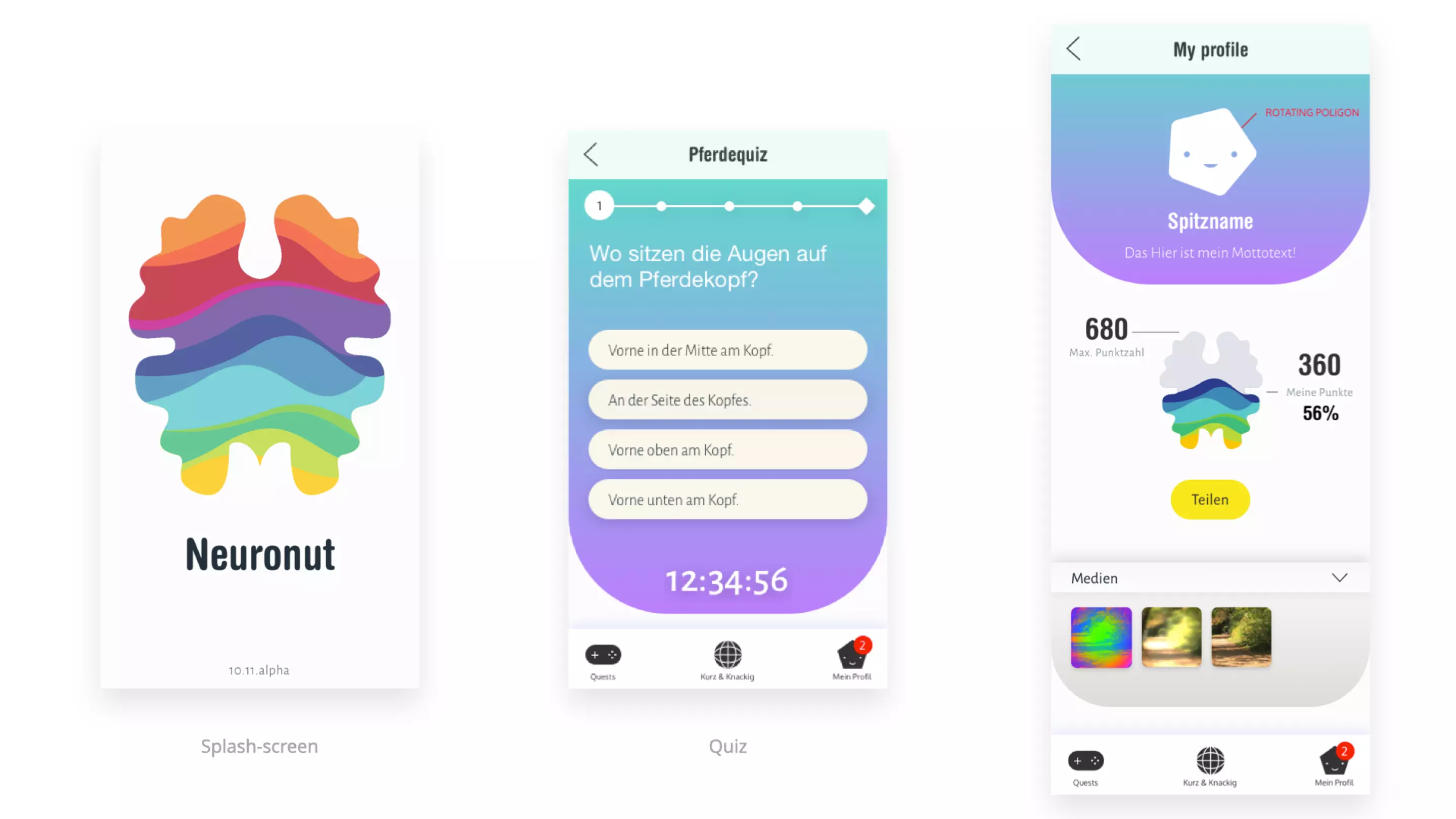
Mystique mist soft and dreamy atmosphere
The evolution of Nominal Anymality visual style that offer gentle and calming mood with soft gradients and light textures. The goal was to create a welcoming environment that encourages relaxed exploration.
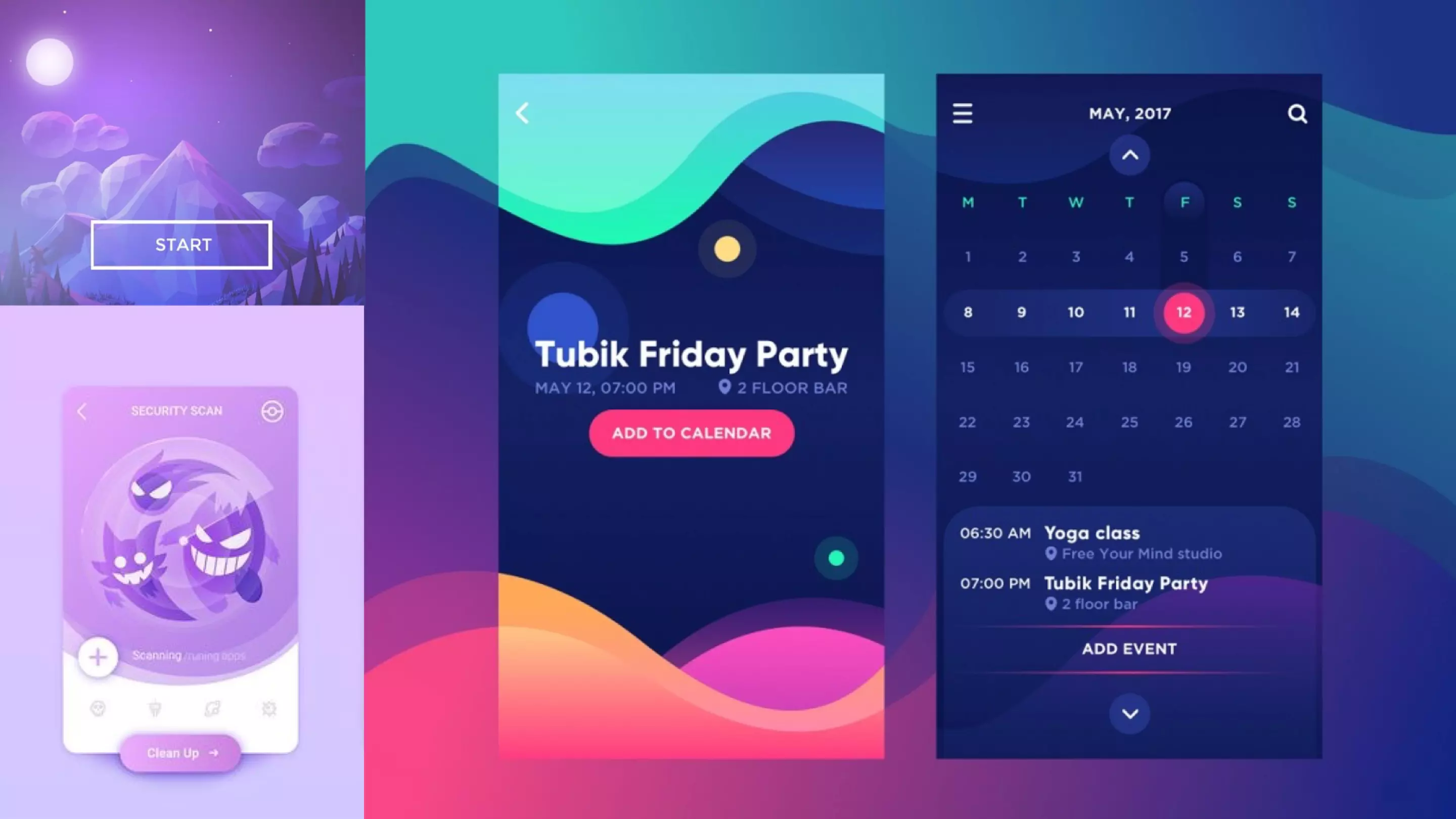
Tranquil lab focused and immersive experience
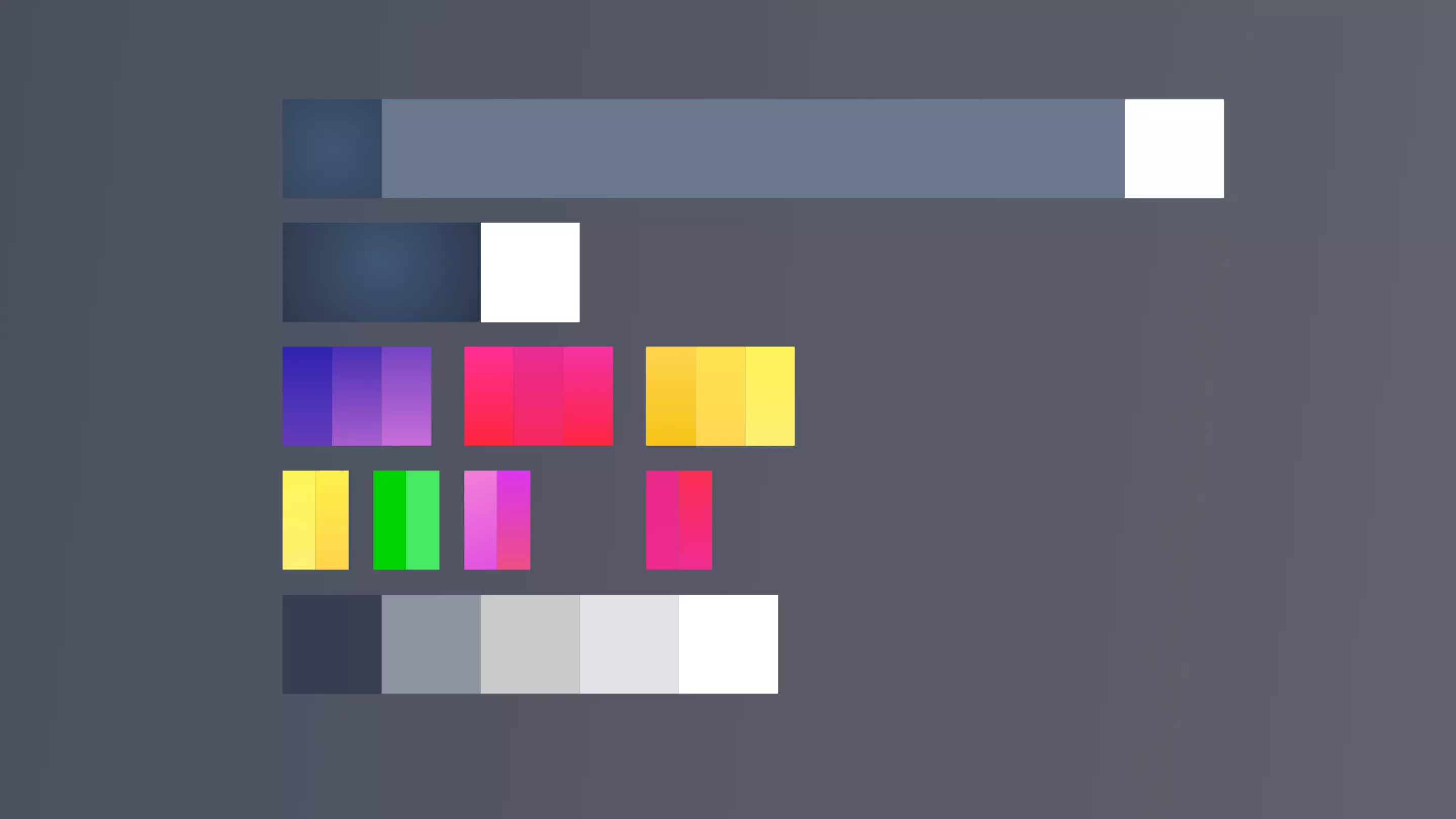
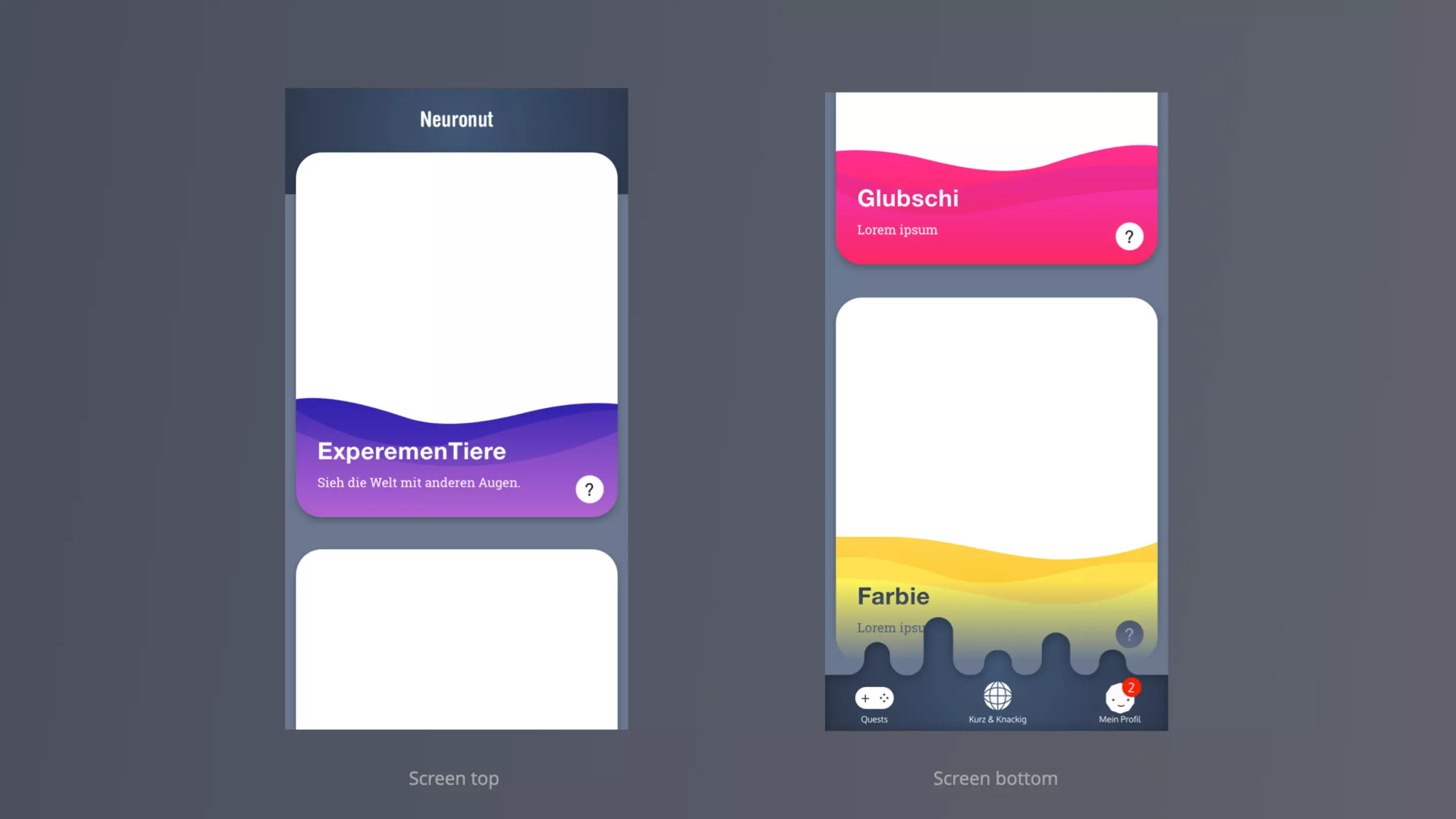
A darker, more concentrated visual direction "with tech lab" color scheme designed to support focus. This style emphasizes calmness and immersion while maintaining a scientific tone.
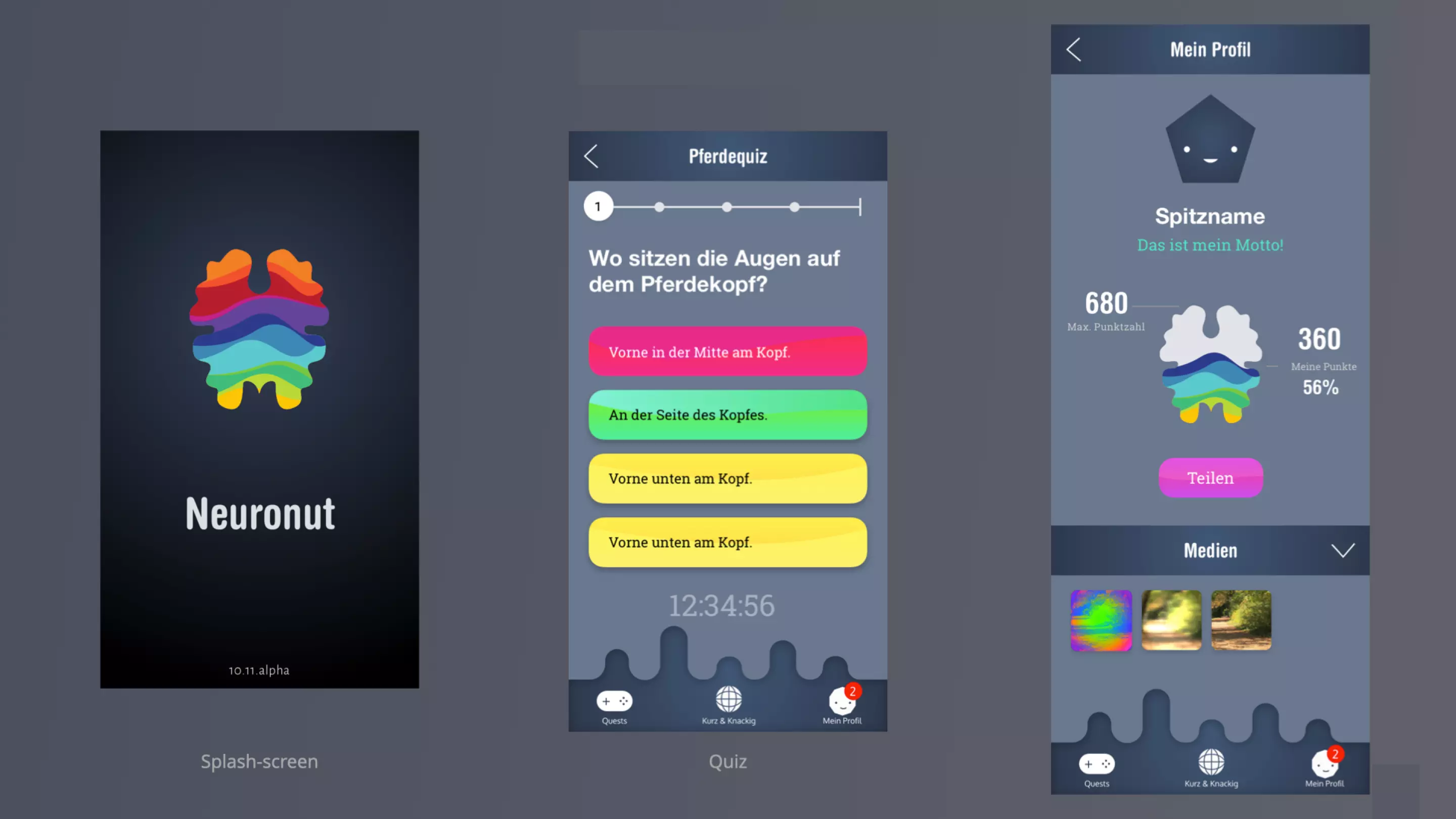
Color scheme & elements design
From experiments to visuals shaping understanding
This section documents the evolution of visual assets across the app, including illustrations, experiment visuals, cards, and interface elements that support interaction and discovery.
Illustrations were designed to simplify complex objects while keeping them recognizable. Experiment visuals use clear shapes, limited details, and consistent color logic to support learning.
The preferred direction is a mix of Fantastic Leafs and Mystic Mist balanced sets playful expression with clarity. Design decisions emphasized recognizability, consistency, and visual feedback aligned with educational goals.
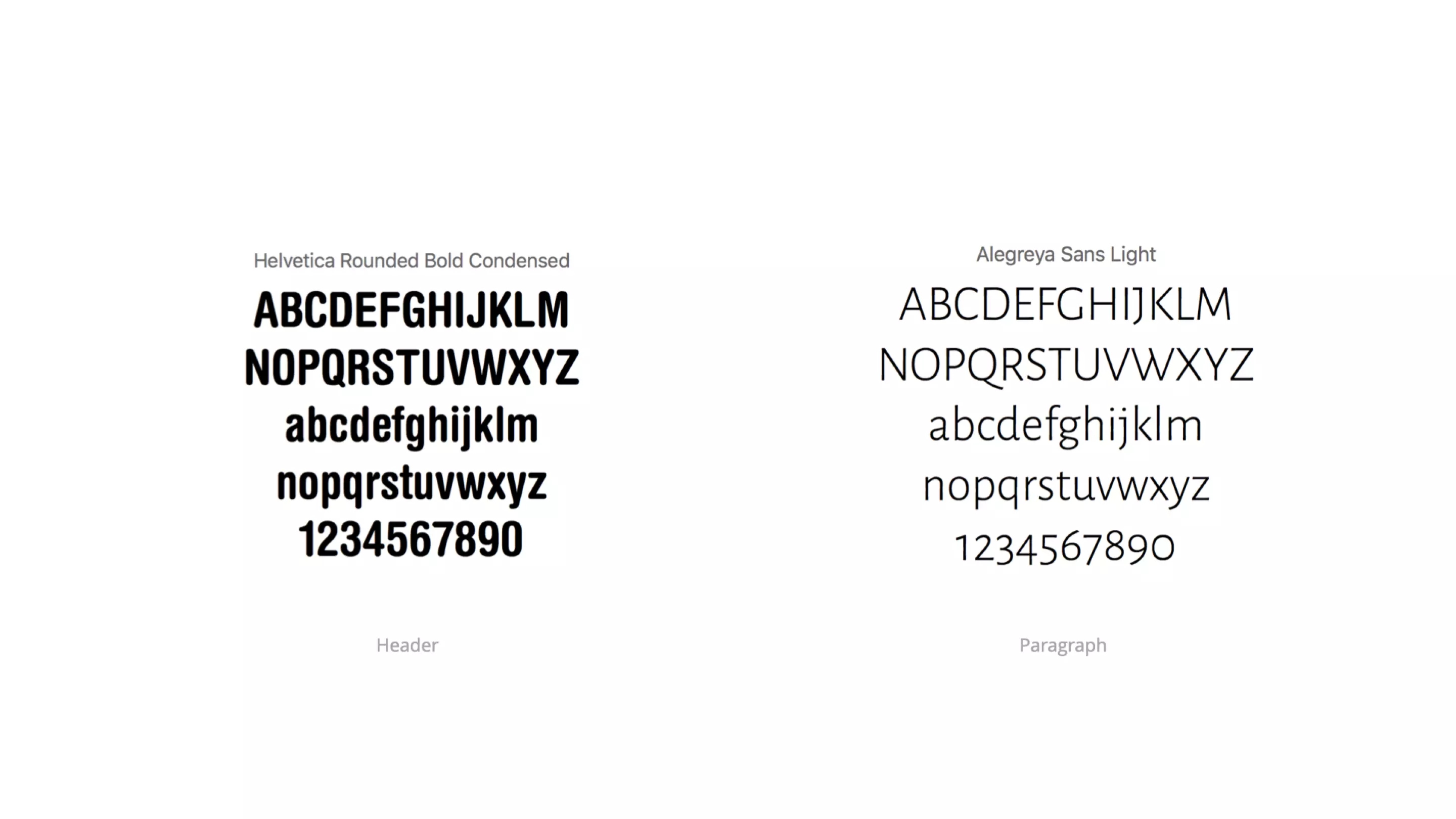

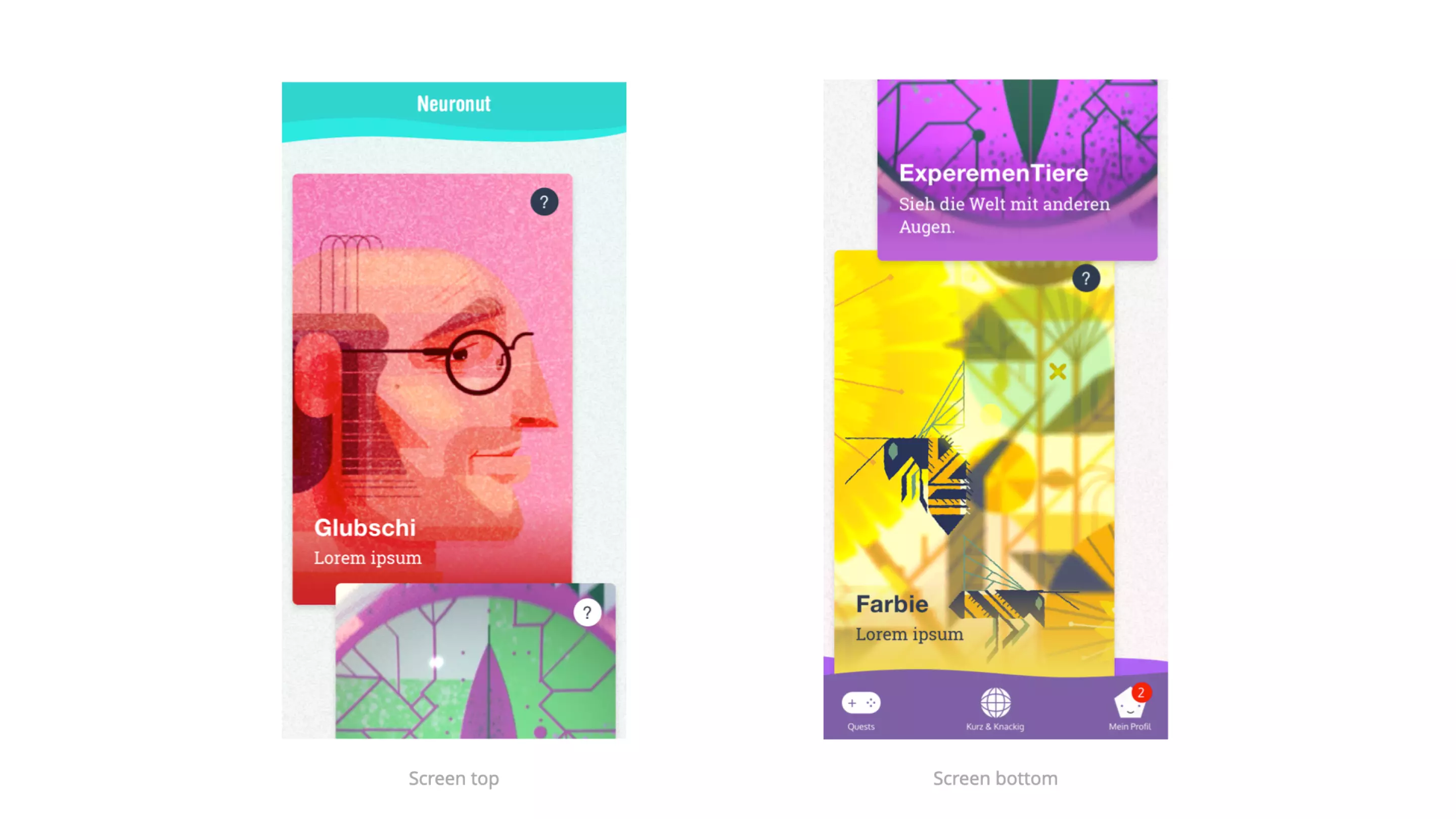
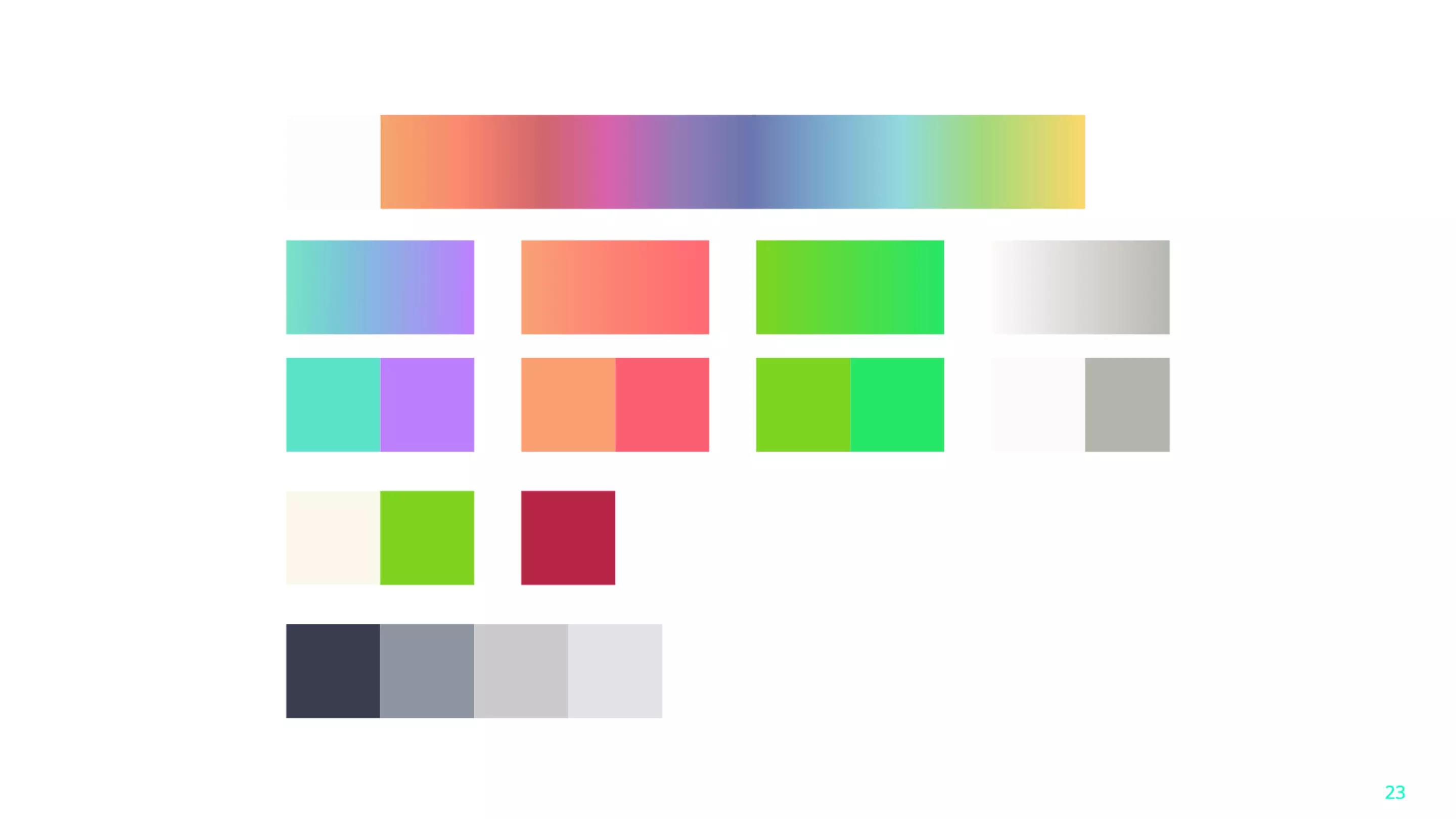
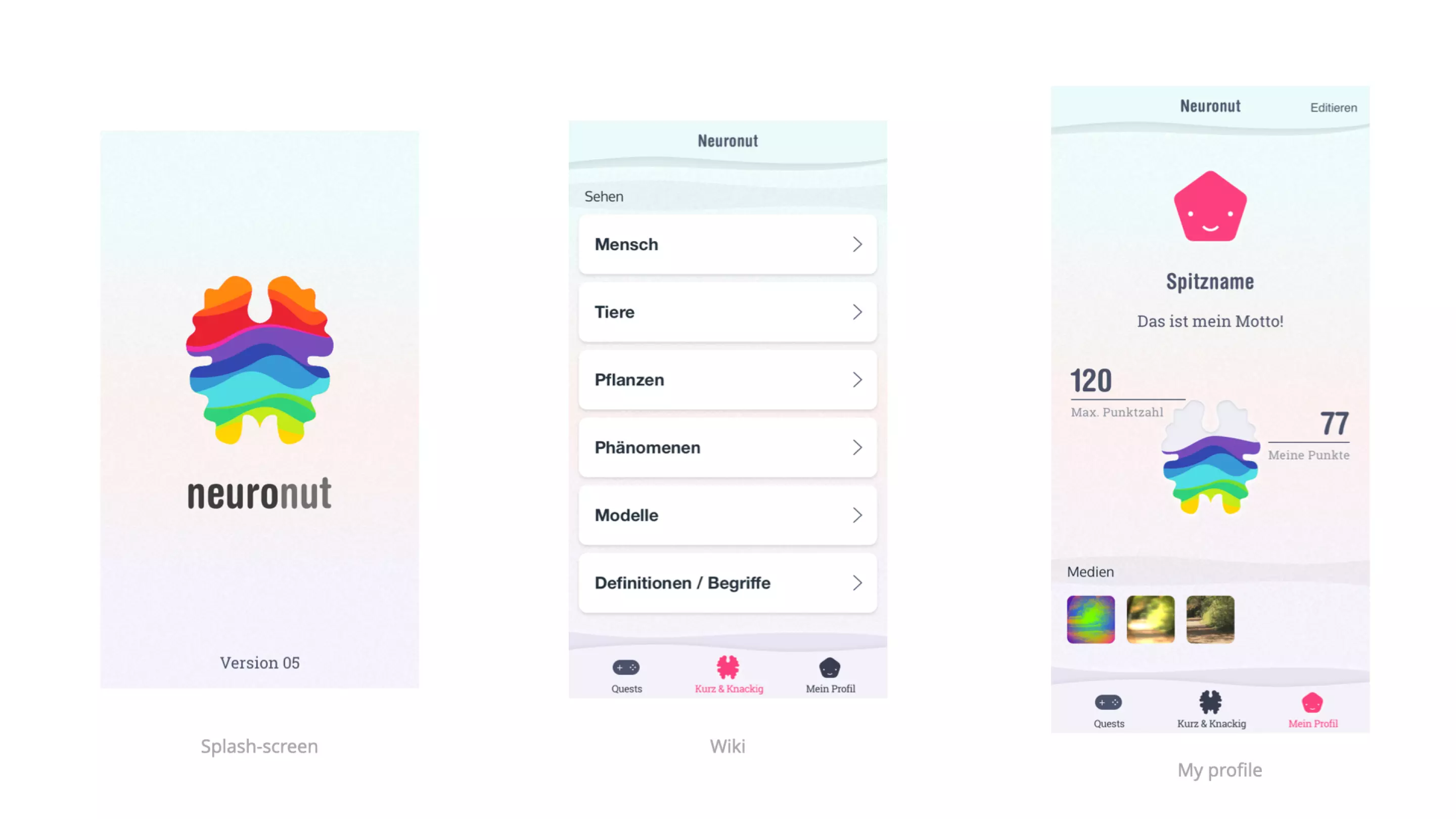
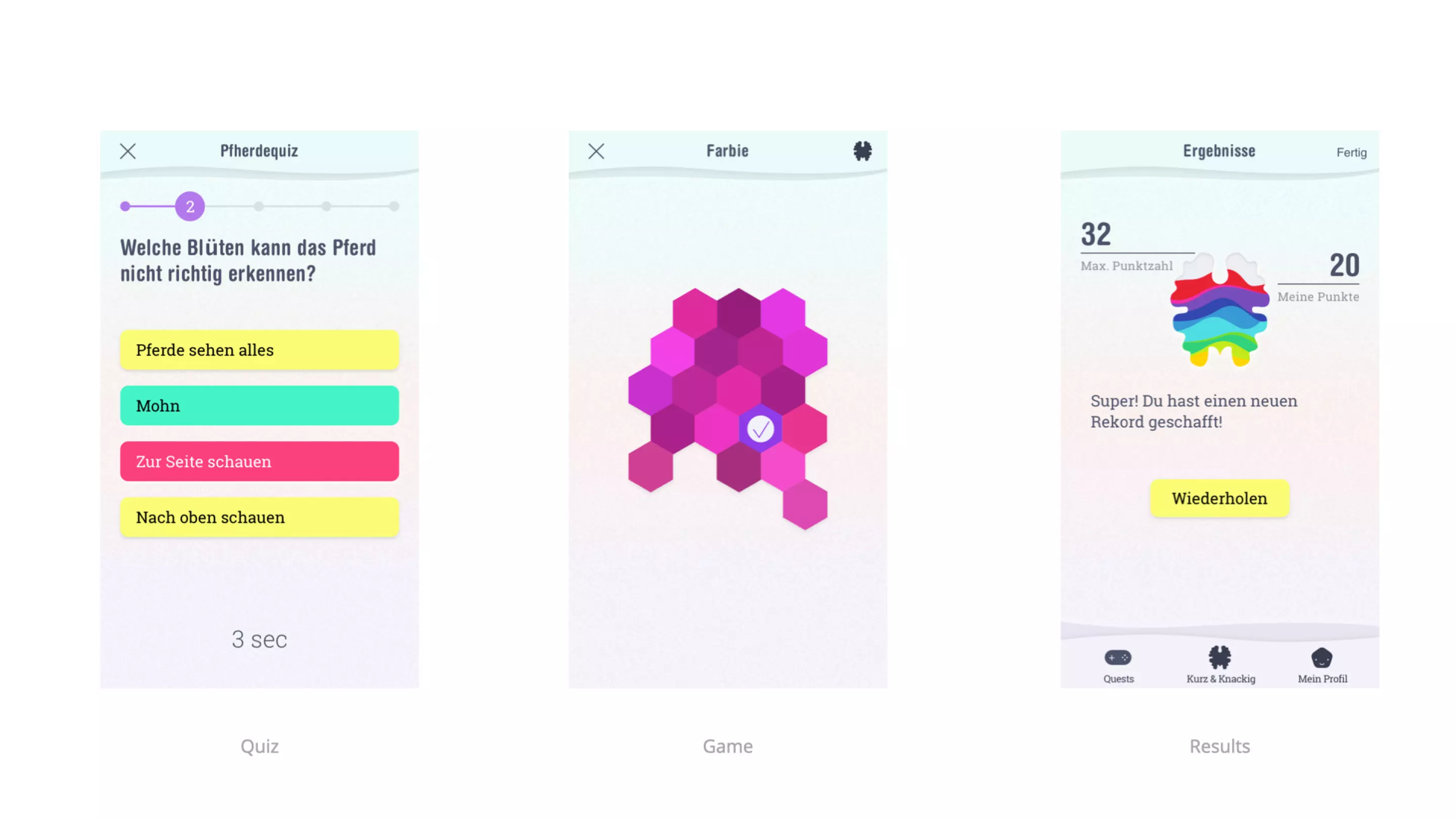
Final design
Designing NeuroNut highlighted how play can support learning when interaction is purposeful and structured. Sensor misuse became a powerful tool for curiosity driven education.
The project demonstrated the importance of visual clarity when teaching complex ideas through play. Consistent feedback and progression proved essential for engagement.